October 22, 2026
Designing for Tutors, Students, and the Unexpected: Q&A with Co-founder Andrew Cowley
)
You can design a virtual classroom around the perfect lesson. The tutor explains, the students participate, everyone stays on task, and the technology does exactly what it should.
But what happens when a student starts testing the limits?
That's a different design problem. Andrew Cowley, Co-Founder and Head of Product & Design at Lessonspace, talks about how the team approaches the less predictable side of online teaching, from disruptive students to the controls that help tutors manage a lesson.
The full interview is below.
Tell me about the thinking behind building leading mode.
Leading Mode, as a concept, didn’t really exist in any tools before Lessonspace. Lessonspace started out as a feature we were building for our original startup, an online tutoring agency called, SkillUp. We wanted to offer online lessons but none of the online video meeting products on the market did what we needed. So we built our own integrated virtual whiteboard and video calling platform.
 Image by August de Richelieu via Pexels
Once we had the base and started testing it out, one of the first major problems we found was keeping what the student was seeing in sync with what the tutor is looking at. In traditional online meeting tools, usually one person would share a screen and everyone’s view updates to make the shared screen big. But we had a shared collaborative space, with the possibility for multiple tabs, infinite whiteboards and documents that can zoom and scroll past the size of your screen, and multiple different video layouts that can change what is visible in the workspace at any given time.
So we built Leading Mode as a fundamental feature of Lessonspace to make sure students keep focused on what is currently being taught so they can’t wander off to another part of the space or accidentally hide important content. We didn’t want to force every student to always follow the tutor, so we made it toggle-able. This gives the tutor the control they need to conduct a productive lesson but also the freedom to break out of the constraints Leading Mode places if they want to run an activity that doesn’t need to keep the students locked to what they are seeing.
Most video conferencing tools have breakout rooms, but our version is built for teaching. What are some of the ways that breakout rooms on Lessonspace differ from those on meeting software, and what were some of the considerations driving those decisions?
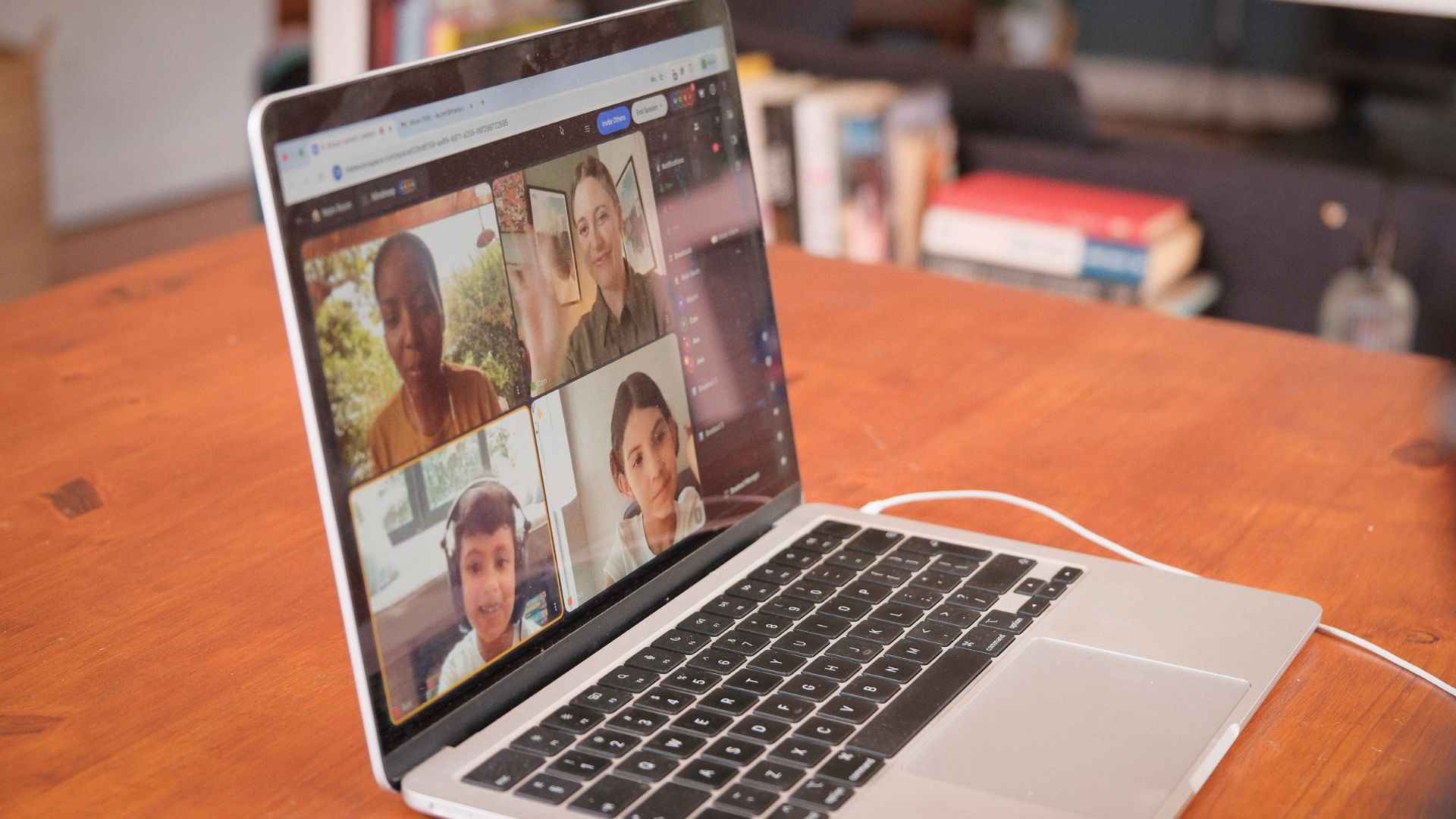
Our Breakouts differ from traditional meeting tools in quite similar ways that Lessonspace itself is different from traditional meeting tools.
For one, breakouts are persistent rooms in and of themselves. That means you can set up or copy pre-made content into a breakout when preparing for or during your lesson.
Breakouts aren’t built as “sessions” so you can drag and drop students between breakouts and leave them there as long as you like and bring them all back at the click of a button.
Because of the way we’ve architected it, moving between Breakouts is also much more seamless on Lessonspace than in other platforms. It was actually so seamless we had to introduce an artificial delay so that it didn’t feel too jarring to jump directly into another breakout too quickly.
With students in separate breakouts, especially groups of students, oversight for the tutor becomes very important. This is why you can toggle on “Show Videos” to remotely keep an eye on your student’s camera feeds from other breakouts, to make sure they are staying focused and not getting up to any trouble!
Why is Lessonspace built around a whiteboard? What do you think makes this feature so important to users?
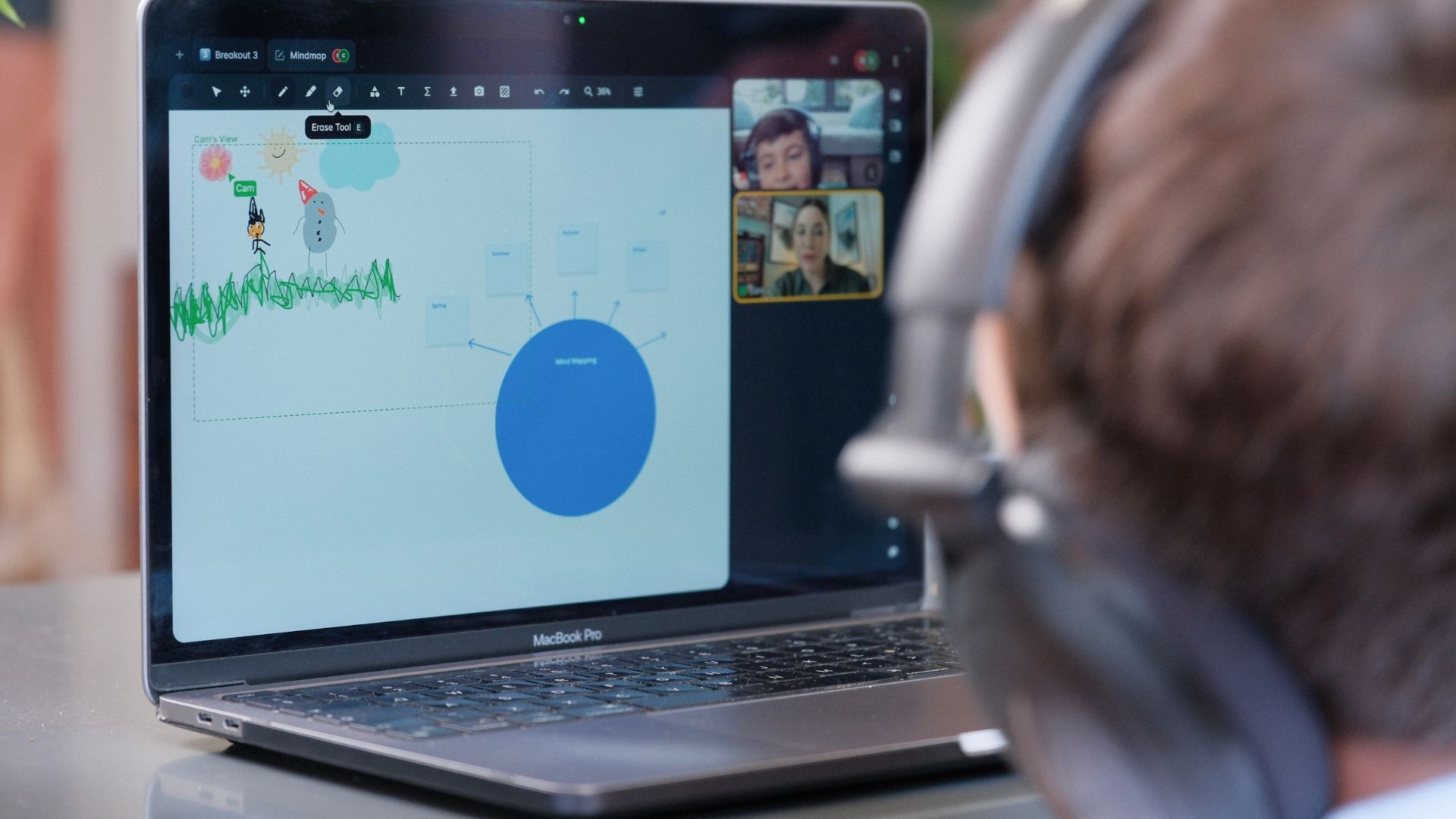
There is plenty of pedagogical science that proves that visual aids are incredibly effective at improved learning outcomes, so we couldn’t NOT build an educational tool around a visual medium.
The human brain is optimised for processing visual information. When it comes to our senses, our ears can process around 100,000 bits per second of information, so listening in important. But our eyes can process 10 million bits per second. So visuals are one hundred times more efficient at transmitting information.
It also makes the abstract concrete. If you’re explaining something complex or talking at length, the cognitive load placed on a student grows because they have to hold a linear thread of information in their working memory until it “clicks”. But if they can pair what the tutor is gradually explaining with a visual aid, they can more easily follow along and grasp what is being explained. This also makes recall easier - there’s a concept called Dual Coding Theory which posits that the brain can process information via verbal and visual streams simultaneously and doing so creates two separate memory traces in your brain.
It increases engagement. Students minds will naturally drift if they have to listen to lengthy explanations or walls of text. Without a visual medium to hold their interest, they’ll easily get distracted without significant willpower and discipline.
What is one Lessonspace feature that seems simple to a tutor but required a lot of product or engineering thinking to get right?
All of them! Genuinely. When you are building something that needs to be used by multiple people in realtime, combined with a bunch of other features of that same description that it needs to play nicely within a single continuous session and it all needs to behave consistently, it is incredible challenging. Something being “simple to implement” is the exception, not the rule. So I would say the entire integrated in-space experience is the thing that seems “simple” - and we pride ourselves on that - but it requires constant effort to keep it that way.
When building a new feature, what are the first 2-3 things you’re thinking about? What questions are you asking?
The technical problems are generally pretty straightforward to solve once you’ve figured out the “human problems”.
First we’d ask: Is this valuable? Do we even need to build this? Loads of products out there will just add features because they can, to the point where you end up with long lists and a million buttons and it’s hard to find anything or figure out what stuff does. Part of Lessonspace’s appeal is that we spend a lot of time scrutinising things to ensure the user experience remains as simple as intuitive as possible.
If we’ve decided we’re building it, then we ask: What does the ideal flow look like for a tutor and/or student? How do we make it clear and obvious what it does? Lessonspace is a complex product because it combines a bunch of different elements and features into a single app designed to be used by multiple people at the same time.
Once we get into building it, then we start to ask: How do we build this well? At Lessonspace we say Reliability is our “0th priority”. Reliability is many things: does it work predictably? Is it secure? Is it performant - does it load fast and stay fast?
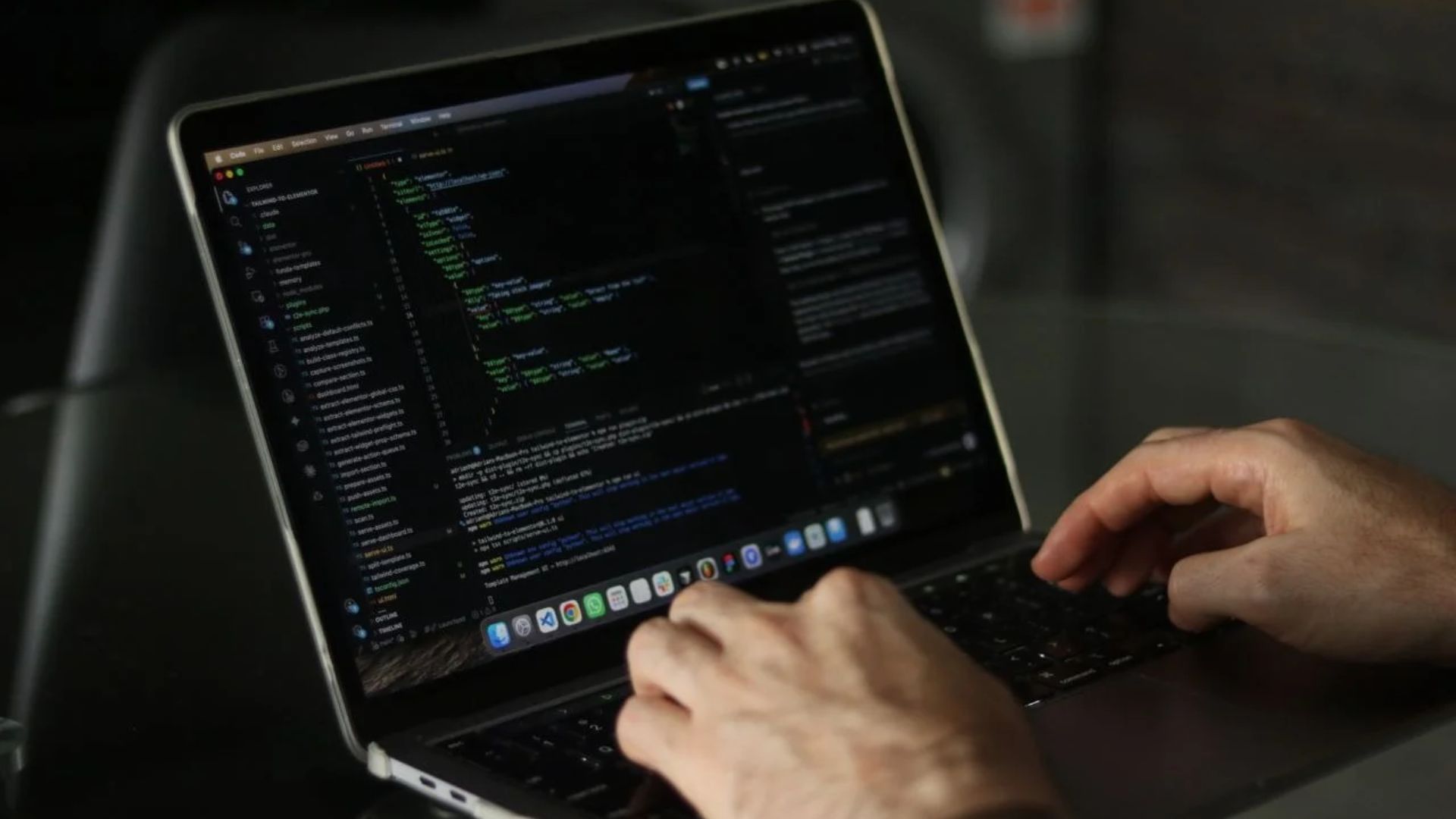 Image by Alicia Christin Gerald via Pexels
How do we design features that work for individual teachers while also meeting the needs of the organisations that manage them?
In a word: configurability. Every organisation will have its own workflows, its own rules, a slightly different student archetype that they serve, ranging from high-dosage reading tutoring during school classes, to ESL to countries on the other side of the planet, to test prep to get into Ivy League universities, to general life coaching and mentoring, and more. Lessonspace has been designed from day one to be flexible enough so you can configure it in the way that you need it to run the ideal lessons for your use case.
What makes building a real-time collaborative classroom technically challenging beyond getting audio and video to work?
Like I said earlier, the technical problems are easy once the human problems are solved. One of the biggest things to design around when building a product like Lessonspace, that most other products won’t have to deal with, is what we call “adversarial users”. These are students that for one reason or another are in a lesson to cause havoc. They’ll try disrupt or break things in increasingly creative ways. Giving tutors the tools they need to control this behaviour, and stopping it where we can automatically is one of the more unique challenges that we have to solve.
What's a technical decision we've made that users might never notice, but that makes a significant difference to the classroom experience?
There are many many little things that add up to making the experience smoother. Usually when the changelog has been quiet for a few weeks, we’ve been shipping little quality-of-life improvements behind the scenes that it doesn’t make sense to announce but results in a slightly better experience. If I had to pick one thing, it’s a decision we made way back when we started, which was to use a CRDT (Conflict-Free Replicated Data Types) architecture for our collaborative features. It’s pretty technical but this is the mechanism by which we make sure everybody sees the same thing in the classroom, and has probably delivered the most in terms of making for a smooth and seamless classroom experience over the years.