
Changelog
What's New?
A collection of new features we've just launched in Lessonspace!
Finer Leader Controls
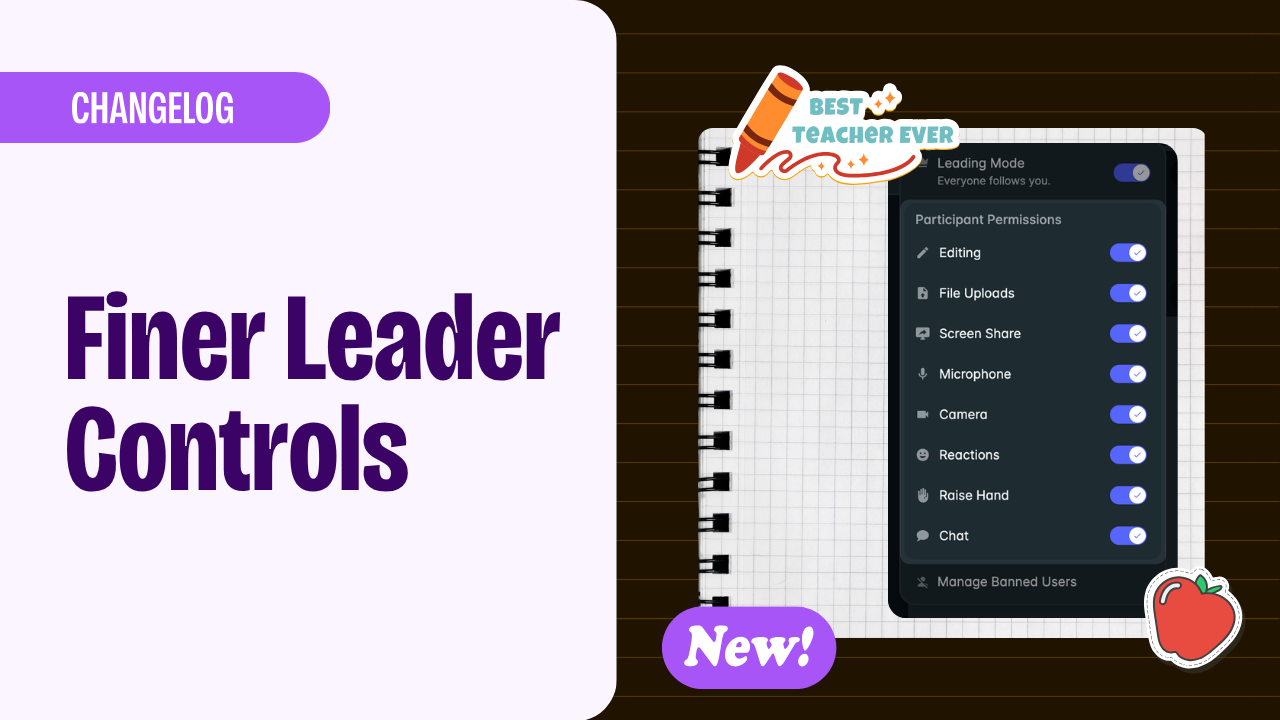
You now have more control over your classroom: toggle individual features and contols on or off in real time for all or particular students.
Waiting room is now part of lobby
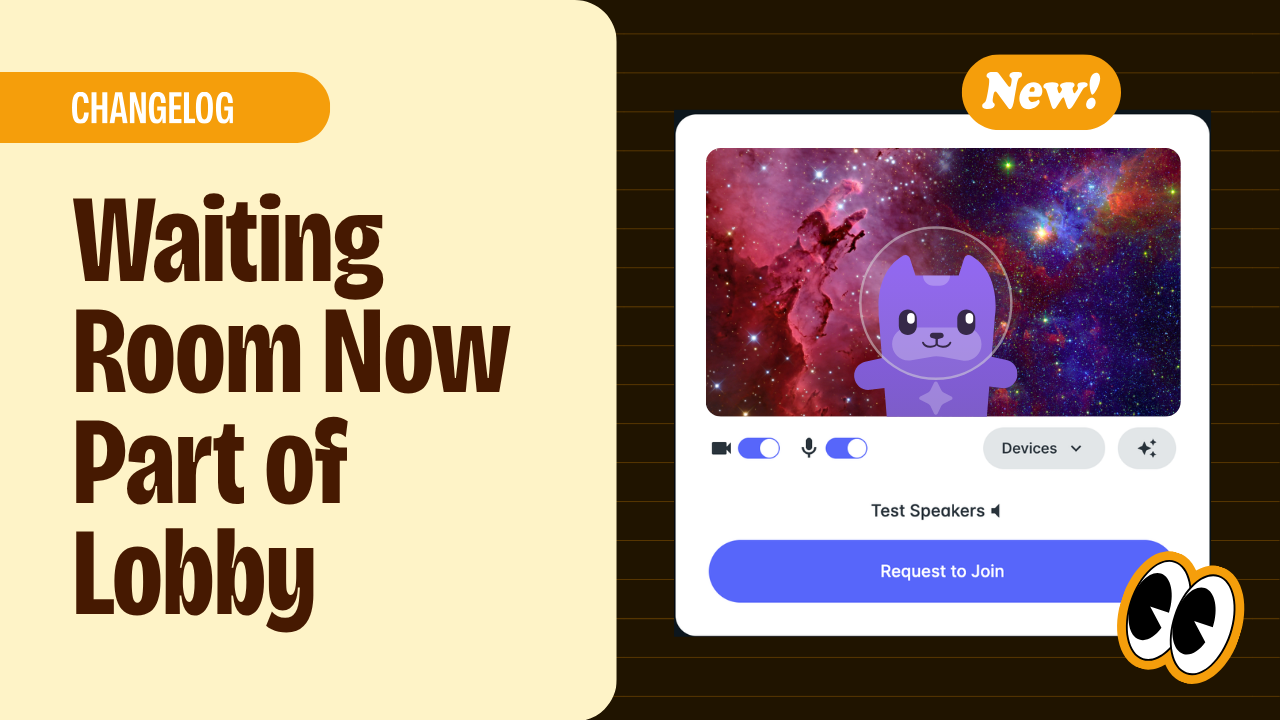
Set up your audio and video while you wait, making the student joining experience faster and more convenient.
Floating Reactions, and Balloons are Back!
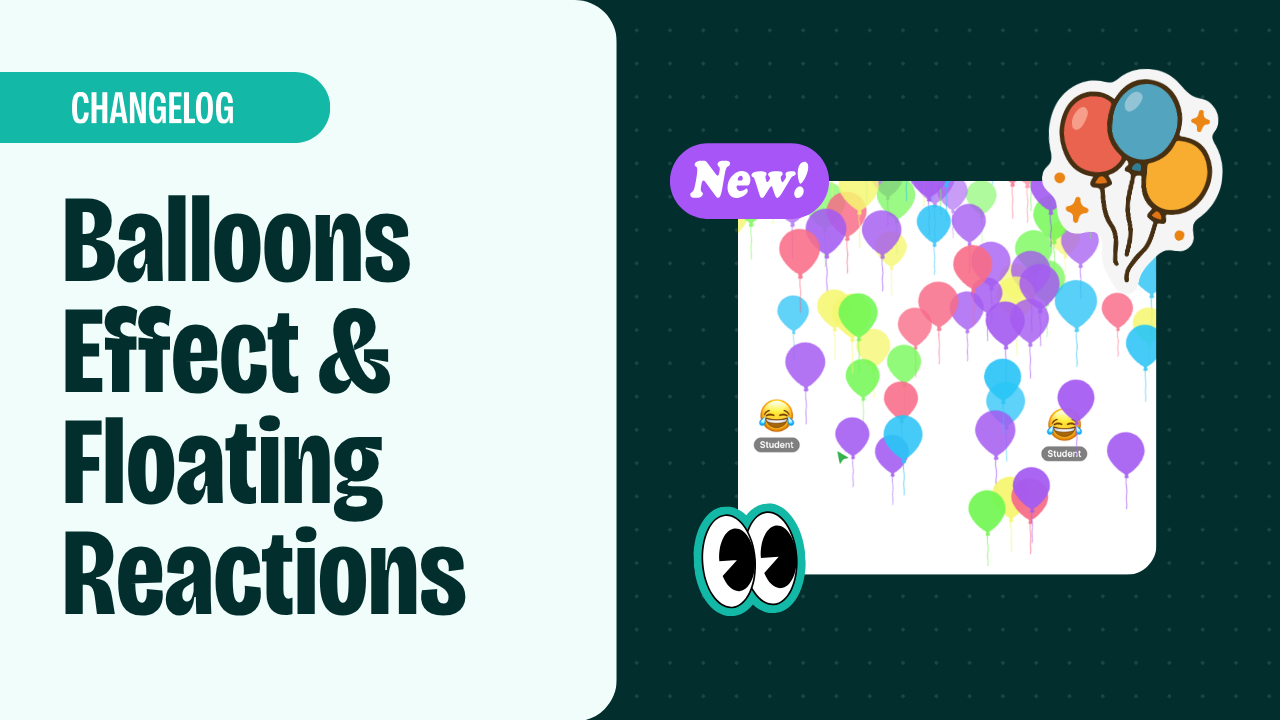
Our most beloved animated effect is back by popular demand! Teachers can now send balloons as an animated effect, alongside the fireworks, confetti, and tornado effects you already know and love. Students and teachers, meanwhile, now have floating reactions instead of static ones. Boost engagement in your lessons with these colourful, fun animations.
Virtual Backgrounds
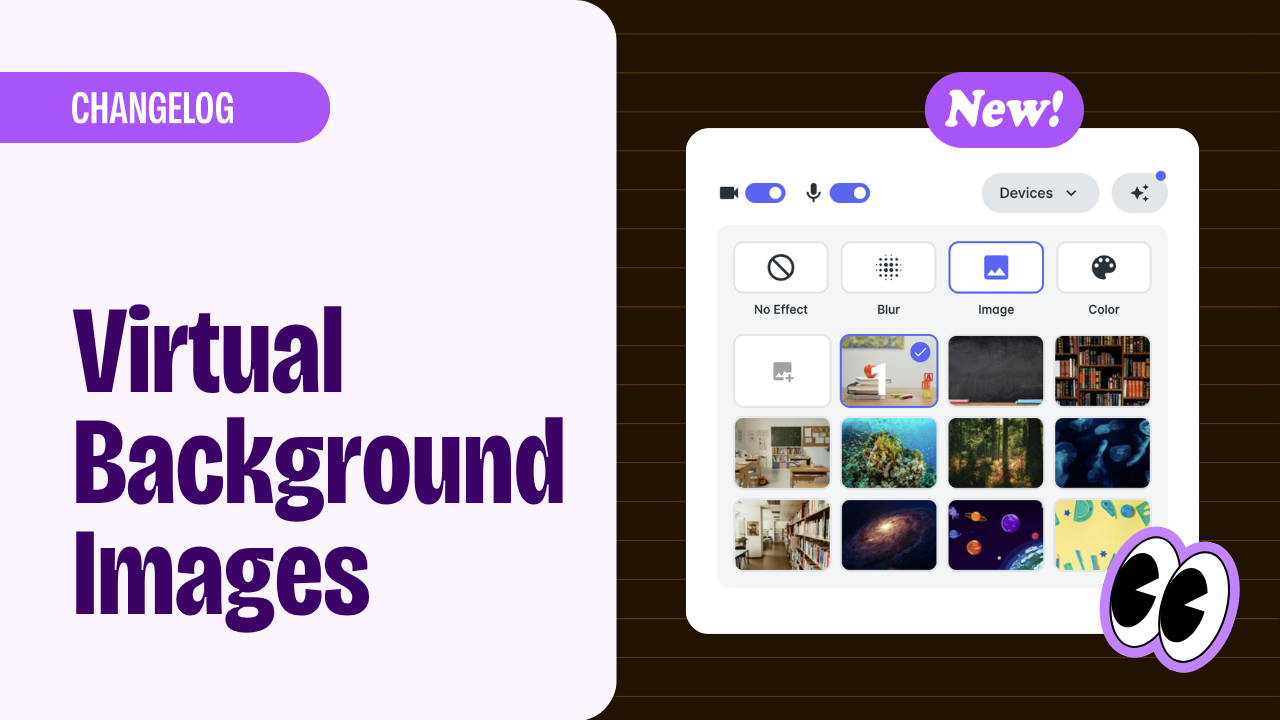
You can now personalise your virtual background directly from the effects panel. Choose from a curated library of images, upload your own photo, or pick a solid colour to keep things clean and simple.
Your organisation can still set a default background for everyone, or you can allow your teachers, admins, or students to choose for themselves.
Waiting Room Improvements
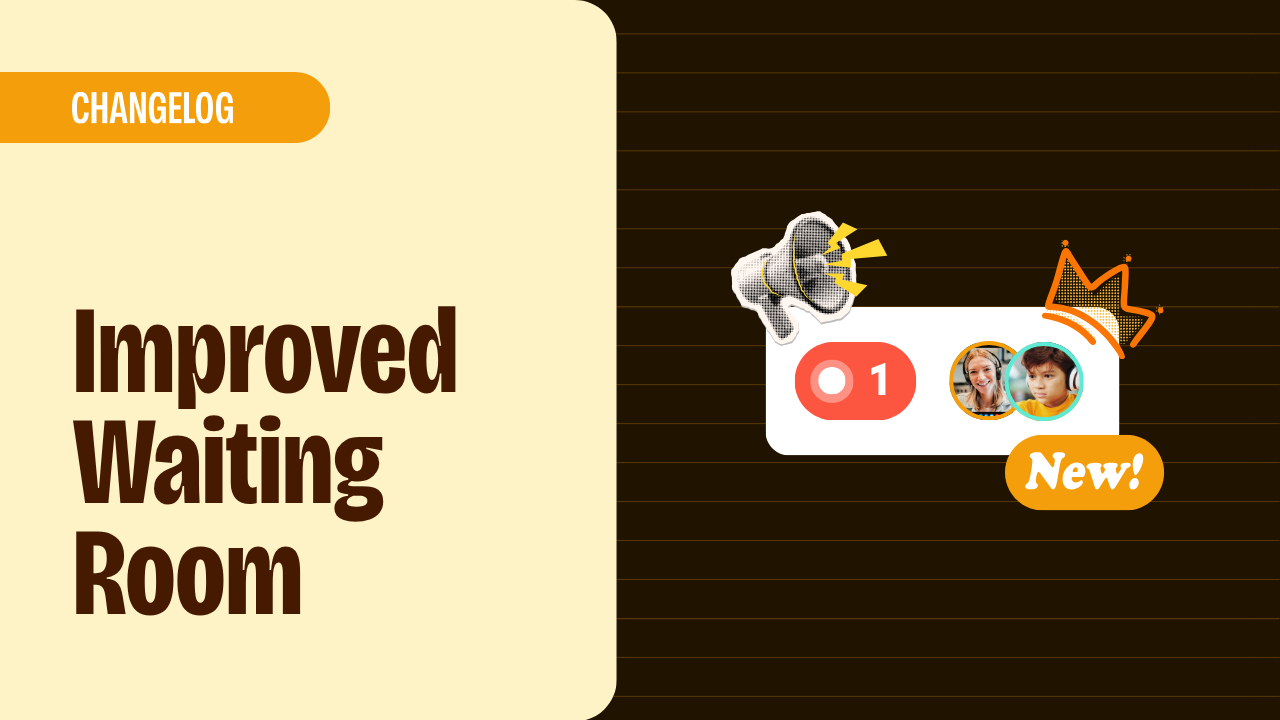
We've made a few improvements to make it easier to manage your waiting room. Join requests are now more prominent in the People Panel, which will automatically open when someone is waiting. A reminder tone will also sound every minute while someone is in the waiting room, so that you never miss a student at the door.
Hashed API Keys
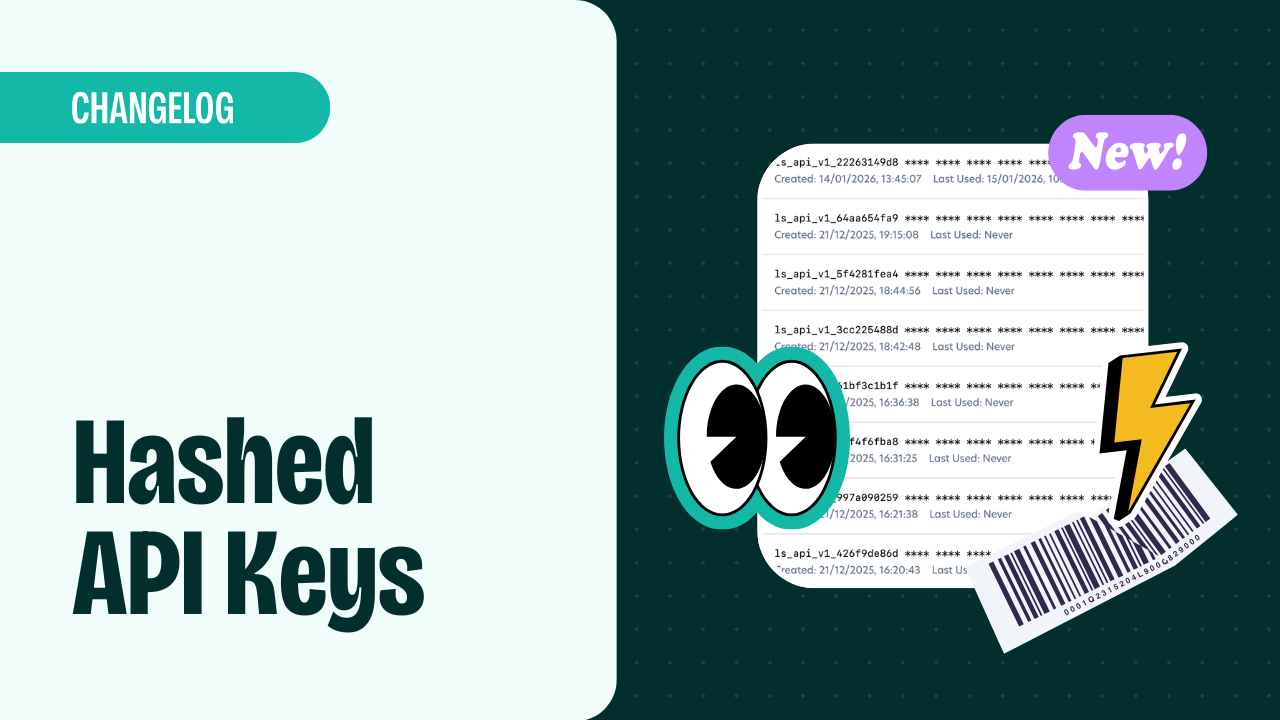
We've migrated from standard UUID API keys to hashed keys prefixed with ls_api_. You can now have multiple active API keys at the same time, and you can revoke unused/deprecated keys. This makes it easier to rotate API keys in your application safely.
Read more about the API updates in our documentation.
Password Protected Recordings
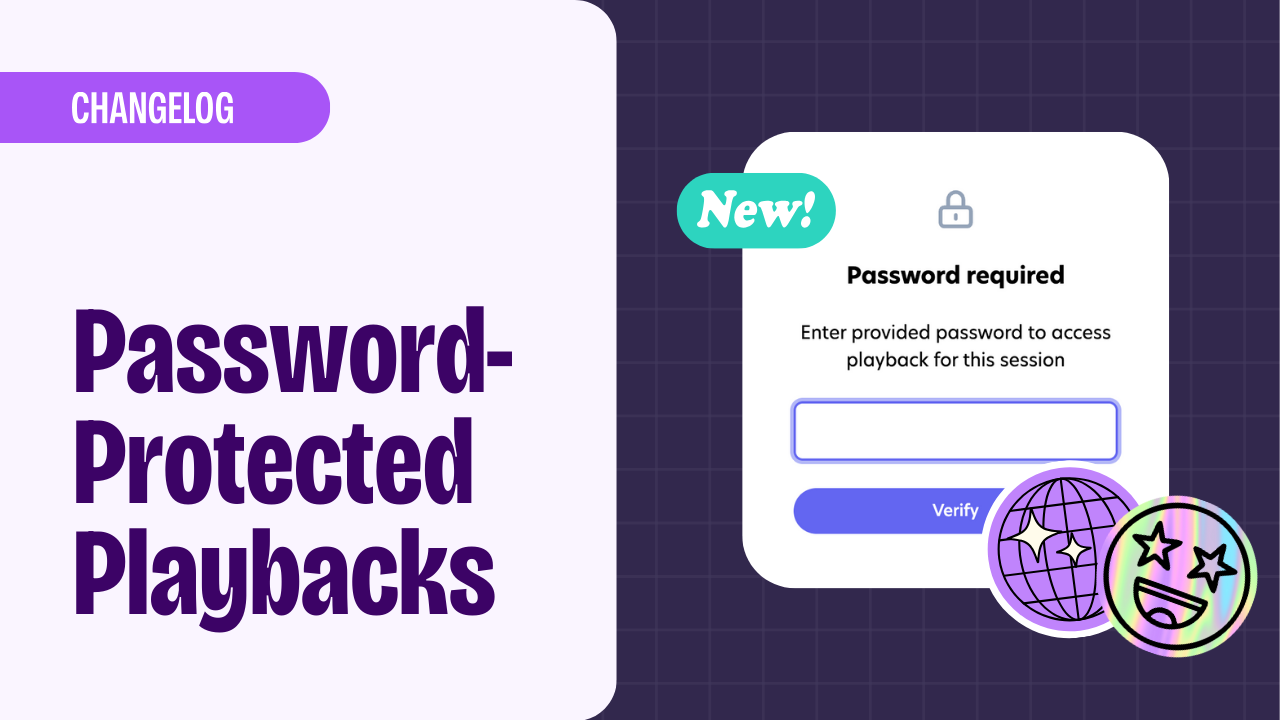
Lesson recordings can now be password-protected for an added layer of safety to your online classes. Recordings can be used for lesson reviews, quality assurance, or shared with students who may have had to skip the lesson. Add a password to ensure they never accidentally end up in the wrong hands.
Read about how to set up password protection.
Teacher Notes
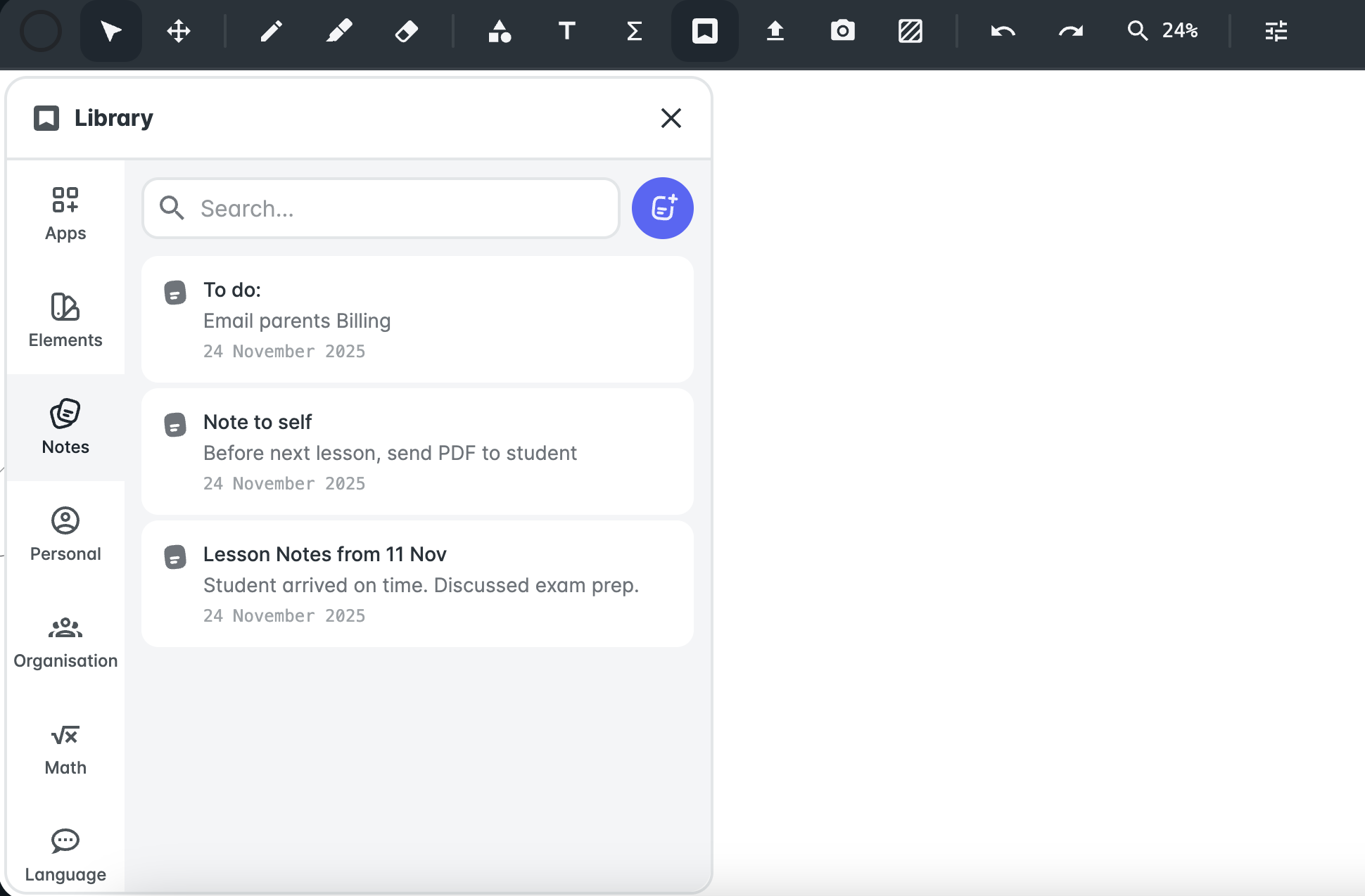
We’ve added private Teacher Notes to help you stay organised and capture important details during or after your lessons. You can now jot down reminders, track student progress, plan follow-ups, or record anything you want to remember, directly inside each Space. These notes are private to you only, so no one else in the Space can view them. It’s a simple, secure way to keep all your lesson context in one place, without needing external documents or tools. This update makes it easier to stay prepared, personalise your teaching, and maintain continuity across sessions.
Lesson Summaries
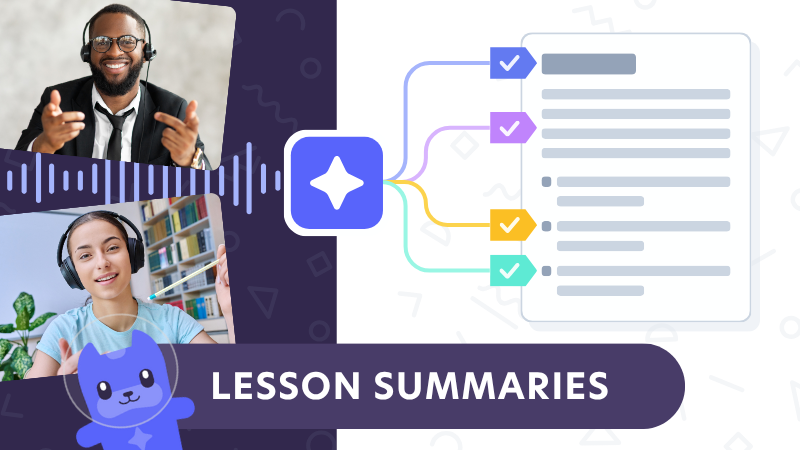
Get automated AI-generated summaries for all of your lessons, including personalised suggested next steps. Save time and keep parents, admins, and teachers up to date. Read more about the Lesson Summaries feature.
All plans now have access to premium features
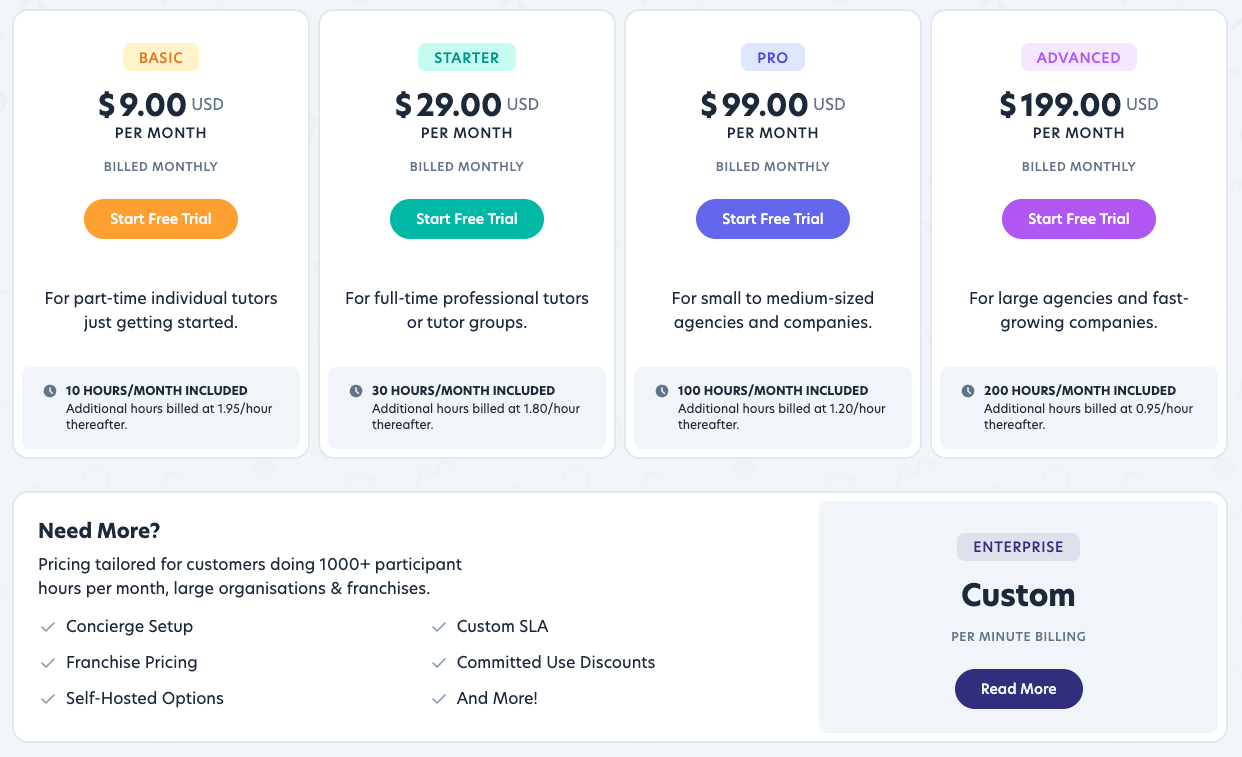
We’ve updated our pricing plans, and all plans now include features like branding, space customisation features, session recordings, and API access. Exisiting users can remain on their current plans, but will be able to use previously unavailable features if they activate them in settings.
Full details and FAQs are on our pricing page.